Trang chủ
 Giới thiệu
 Tin tức
 Liên hệ
 Sơ đồ site






Standards and Certifications FCC CE WEEE
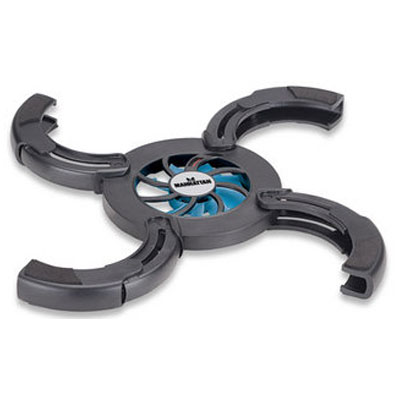
General Fans: 1 Fan dimensions: 70 x 70 x 10 mm Fan noise: 21 dB (maximum) Fan speed: 1500 rpm Air flow: 28 cfm
Environmental Operating temperature (degrees): 0 – 40˚C (32 - 104˚F) Storage temperature (degrees): -15 – 60˚C (5 - 140˚F) Storage humidity: up to 90% non-condensing
Power USB power cable: 53 cm (21 in.) Power consumptions: < 0.9 W @ 5 V Operating current: 180 mA (maximum)
Physical Material: plastic Color: black Dimensions folded: 130 x 130 x 23 mm Dimensions unfolded: 280 x 280 x 23 mm Weight: 128 g (4.5 oz.)
System Requirements: Any notebook computer with USB port
Package Contents Notebook cooling pad Quick Install Guide
 Giá: Liên hệ
Standards and Certifications FCC CE WEEE
General Fans: 1 Fan dimensions: 70 x 70 x 10 mm Fan noise: 21 dB (maximum) Fan speed: 1500 rpm Air flow: 28 cfm
Environmental Operating temperature (degrees): 0 – 40˚C (32 - 104˚F) Storage temperature (degrees): -15 – 60˚C (5 - 140˚F) Storage humidity: up to 90% non-condensing
Power USB power cable: 53 cm (21 in.) Power consumptions: < 0.9 W @ 5 V Operating current: 180 mA (maximum)
Physical Material: plastic Color: black Dimensions folded: 130 x 130 x 23 mm Dimensions unfolded: 280 x 280 x 23 mm Weight: 128 g (4.5 oz.)
System Requirements: Any notebook computer with USB port
Package Contents Notebook cooling pad Quick Install Guide
Standards and Certifications FCC CE WEEE
General Fans: 1 Fan dimensions: 70 x 70 x 10 mm Fan noise: 21 dB (maximum) Fan speed: 1500 rpm Air flow: 28 cfm
Environmental Operating temperature (degrees): 0 – 40˚C (32 - 104˚F) Storage temperature (degrees): -15 – 60˚C (5 - 140˚F) Storage humidity: up to 90% non-condensing
Power USB power cable: 53 cm (21 in.) Power consumptions: < 0.9 W @ 5 V Operating current: 180 mA (maximum)
Physical Material: plastic Color: black Dimensions folded: 130 x 130 x 23 mm Dimensions unfolded: 280 x 280 x 23 mm Weight: 128 g (4.5 oz.)
System Requirements: Any notebook computer with USB port
Package Contents Notebook cooling pad Quick Install Guide


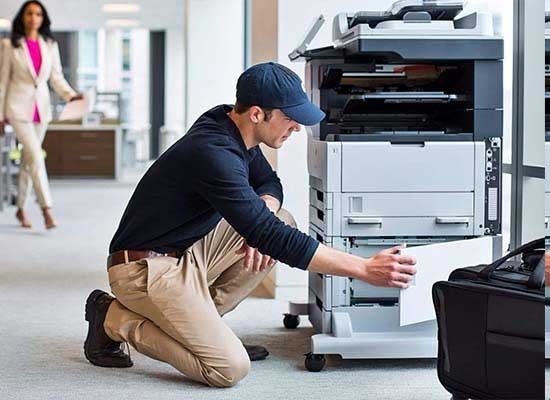 Mẹo hay sử dụng máy photocoppy văn phòng
Cập nhật: 26/06/2026 4 cách sửa lỗi máy tính không nhận ra USB
Cập nhật: 25/06/2026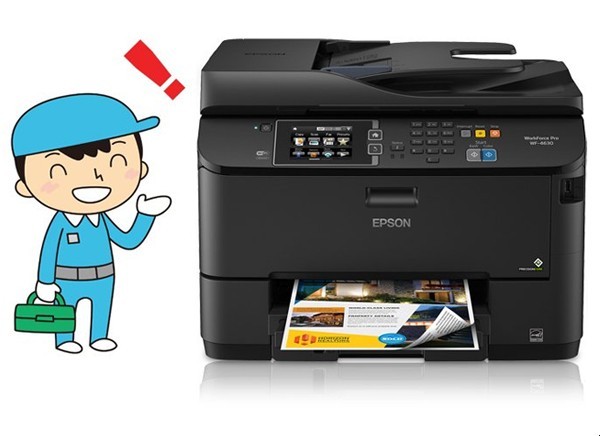 Nên vệ sinh máy in khi nào
Cập nhật: 25/06/2026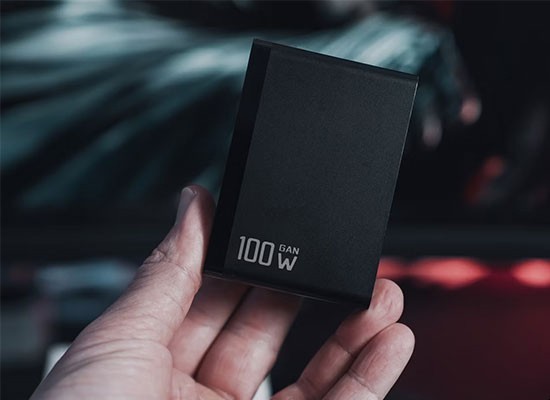 Các lý do dung lượng pin laptop lại quan trọng
Cập nhật: 23/06/2026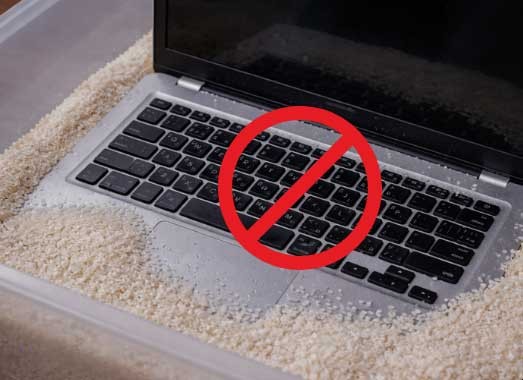 Những điều tuyệt đối không được làm khi laptop bị vô nước
Cập nhật: 22/06/2026 Laptop bị vô nước phải làm gì NGAY lập tức
Cập nhật: 19/06/2026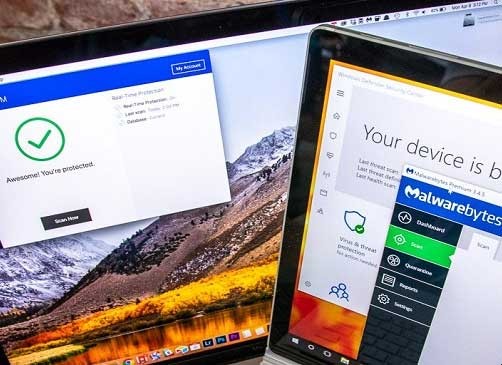 10 việc cần làm với máy tính hoặc laptop khi mới mua
Cập nhật: 18/06/2026 Lý do cần chỉnh giờ trên máy tính
Cập nhật: 17/06/2026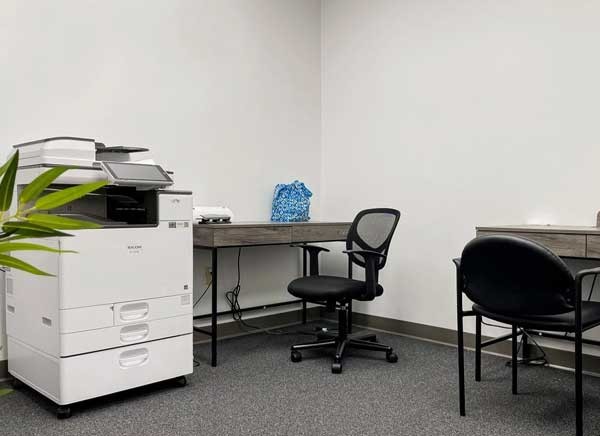 Tiêu chí lựa chọn máy photocopy cho trường học
Cập nhật: 16/06/2026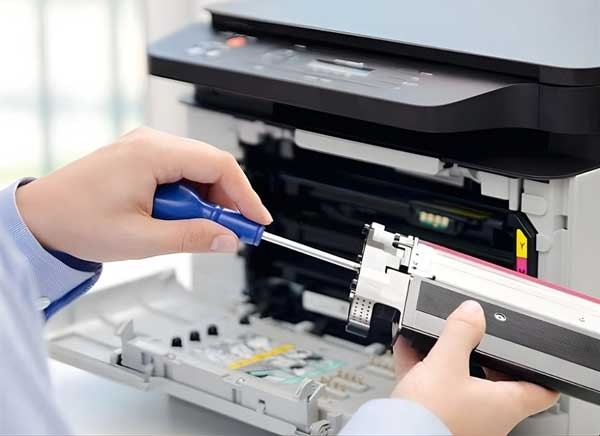 Vì sao cần vệ sinh và bảo dưỡng máy in thường xuyên
Cập nhật: 15/06/2026